Short answer
A home security system is a set of connected sensors, cameras, and a central hub that can alert you, or a monitoring center, when something happens at home. The biggest choices are who installs it (you or a technician) and who watches it (you, through an app, or a professional monitoring service).
What’s in a home security system
Most systems are built from the same parts, even when providers package them differently:
- Hub or base station. The brain of the system. It connects your sensors and sends alerts, usually over Wi-Fi with a cellular backup on many systems.
- Entry sensors. Small contact sensors on doors and windows that report when they open.
- Motion sensors. Detect movement in a room or hallway, useful for areas with several entry points.
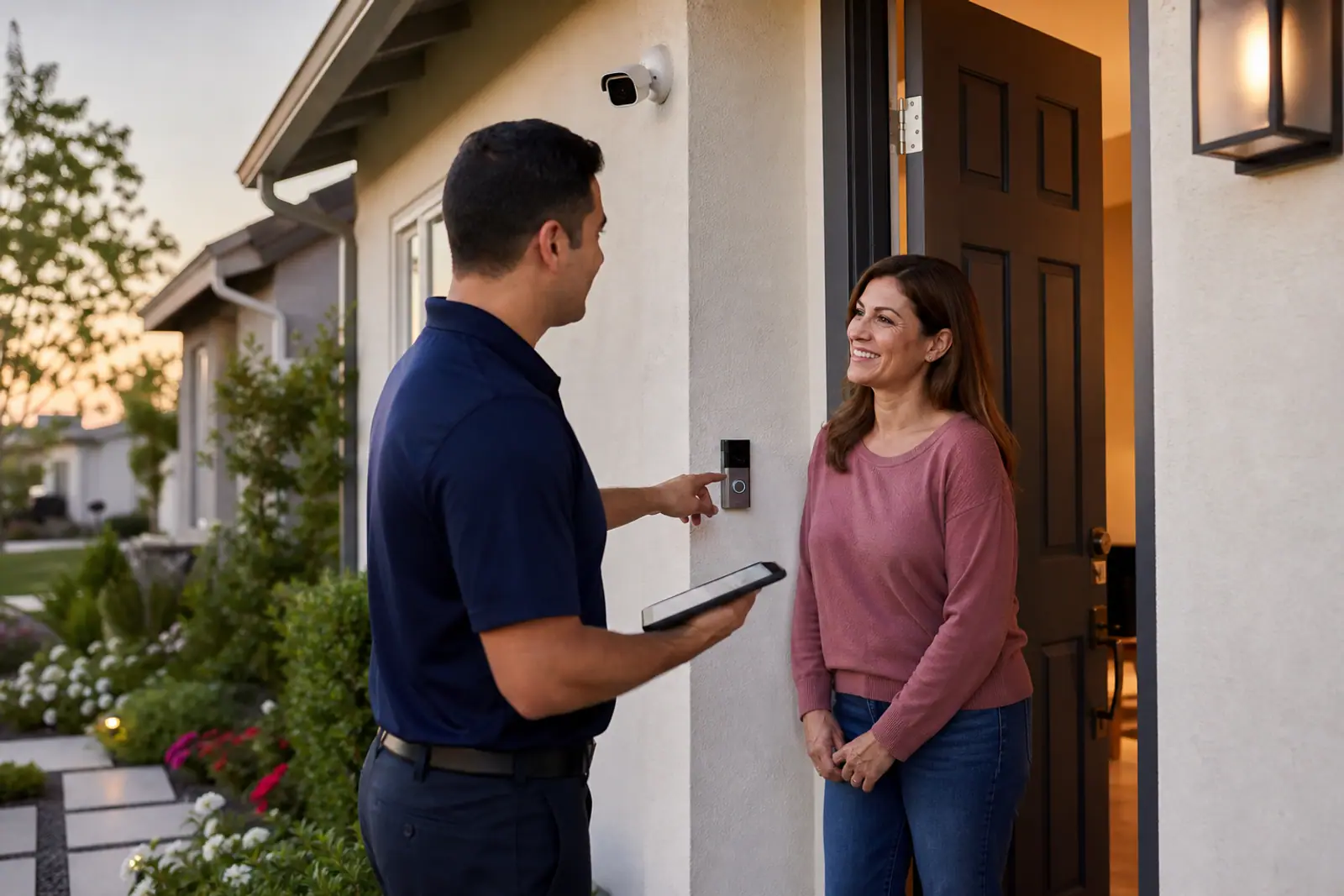
- Cameras and video doorbells. Let you see what’s happening, live or in recorded clips. Some systems use video to help confirm an alarm before anyone is dispatched.
- Keypad, key fobs, or app. How you arm and disarm the system.
- Environmental sensors. Smoke, carbon monoxide, water-leak, and freeze sensors on many systems. See smoke and CO monitoring.
- Monitoring. Either you get alerts on your phone (self-monitoring), or a professional monitoring center responds 24/7 and can contact emergency services.
The two big decisions
Who installs it
DIY systems ship in a box and are designed for you to set up, often with peel-and-stick sensors. Professionally installed systems send a technician to plan and install everything. DIY tends to cost less upfront and suits renters; professional installation suits larger homes and people who want it done for them. Our guide to DIY vs. professional installation compares them in detail.
Who watches it
Self-monitored systems send alerts to your phone and leave the response to you. Professionally monitored systems route alarms to a monitoring center that can call you and dispatch help. Monitoring is usually a monthly fee, and on some plans it comes with a contract. See is professional monitoring worth it?
Check your local rules
Many cities and counties require an alarm permit for monitored systems and charge fees for repeated false alarms. Rules vary widely, so check with your local police department or city office before you activate monitoring.
Who a system may suit
- Homeowners who want whole-home coverage, including smoke and CO monitoring.
- Renters who need equipment that installs without drilling and moves with them. See home security for renters.
- Families who want alerts when doors open and a way to check in while away.
- People who travel or are often away and want to see what’s happening at home.
- People living alone who want a fast way to get help.
How to choose
- Decide on monitoring first. It drives the monthly cost and whether a contract is involved.
- Count your entry points. Doors, accessible windows, and the garage determine how many sensors you need.
- Decide where cameras matter. Front door, driveway, and back entry are common starting points. See where to place security cameras.
- Compare the total cost, not just the monthly price: equipment, installation, monitoring, and any contract. See what home security really costs.
- Read the contract terms, especially length and early cancellation. See contracts and cancellation.
Explore home security
Compare systems
Side-by-side monitoring, equipment, installation, and contract terms.
Compare →Provider reviews
What each provider offers, what it costs, and the trade-offs.
Read reviews →DIY vs. professional
Which installation route fits your home and budget.
Read more →What it costs
Equipment, installation, monitoring, and contract costs explained.
Read more →Is monitoring worth it?
Professional vs. self-monitoring, and who benefits most.
Read more →All security guides
Renters, camera placement, contracts, smoke and CO monitoring, and more.
Browse guides →Next steps
- Compare providers side by side on our comparison page.
- Not sure about installation? Start with DIY vs. professional.
- Learn how we review and how we make money.
This page is general education, not legal, financial, or insurance advice. Home warranty terms vary by provider, plan, and state; the contract you sign controls what is covered. Spotted an error? Request a correction.