Short answer
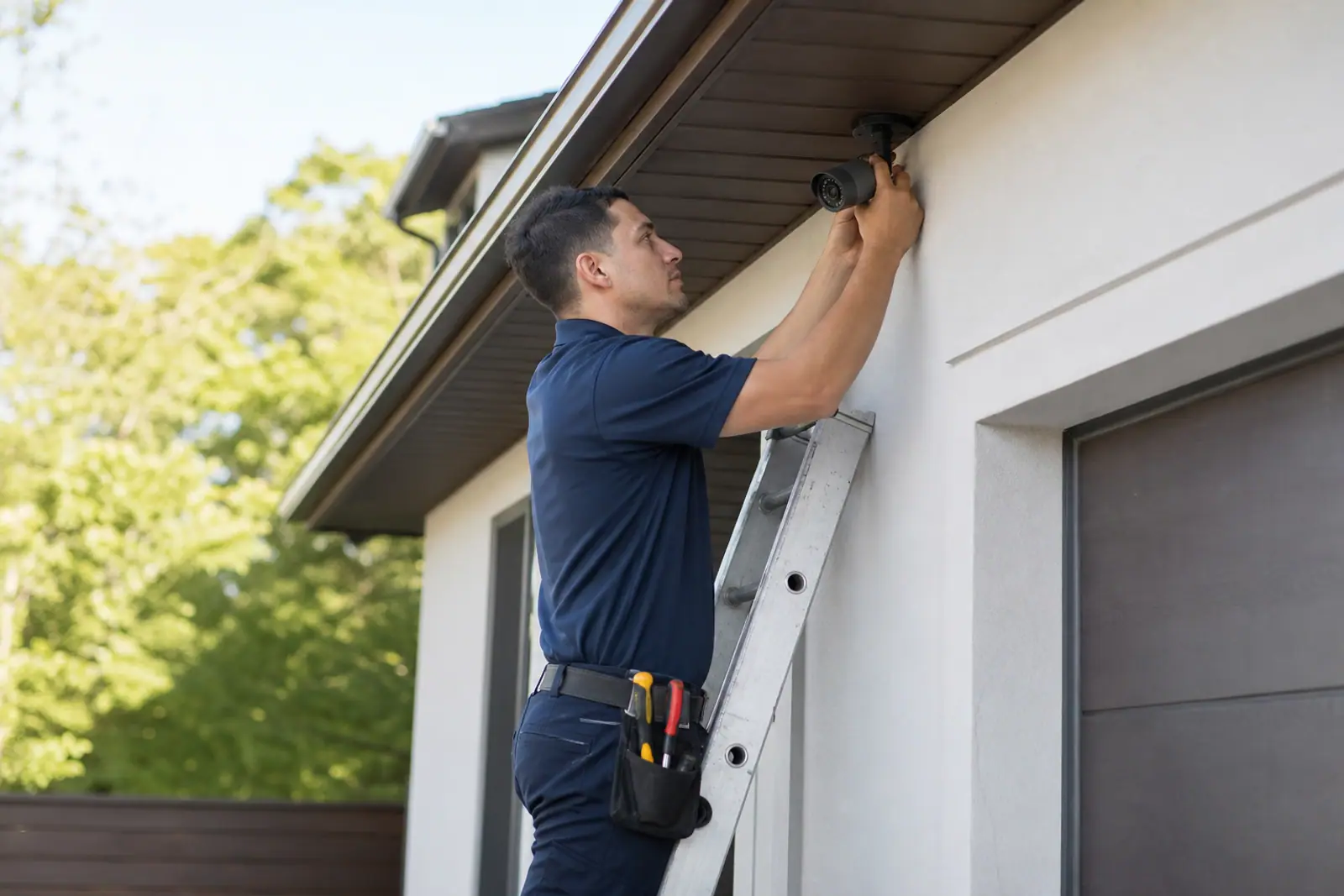
Start with the places people actually come and go: the front door, the driveway or garage, and the back or side entry. Mount cameras high enough to be hard to tamper with but low enough to capture faces, keep them out of direct sun, and avoid pointing them at neighbors' property.
Start with entry points
Most people enter a home through a door, so cameras on entrances usually give you the most useful footage. Prioritize in roughly this order:
- Front door. A video doorbell or a camera covering the porch catches visitors and package deliveries.
- Driveway or garage. Covers vehicles and the approach to the house.
- Back or side door. Often less visible from the street, so worth covering.
- Ground-floor windows that are hidden from view.
- Main indoor hallway or living area, if you want indoor coverage, pointed at the path someone would walk.
You don’t need a camera everywhere. Entry sensors and motion sensors can cover rooms and windows; cameras add the ability to see what’s happening.
How high and which way
- Height. Outdoor cameras are commonly mounted around head height or a little above, high enough to be hard to reach but low enough to capture faces rather than just the tops of heads. Check the manufacturer’s recommended mounting height.
- Angle. Aim slightly downward toward where people approach, not straight out at the street.
- Field of view. A wide-angle camera covers more area but shows less detail at a distance. Place it closer to the spot you care about most.
- Overlap. Where possible, let two cameras’ views overlap slightly so there’s no blind spot between them.
Light and weather
- Avoid pointing cameras into the sun or at bright lights; glare can wash out the image at certain times of day.
- Check night performance. Night vision ranges vary, and porch lights or a motion-activated floodlight can help.
- Weather resistance. Use outdoor-rated cameras outside and mount them under an eave if possible.
- Windows. Indoor cameras pointed through glass often struggle at night because of reflections.
Power and connectivity
- Battery cameras are easy to place anywhere but need recharging.
- Plug-in cameras need an outlet nearby.
- Hardwired cameras are the most reliable but may need professional installation. See DIY vs. professional installation.
- Wi-Fi strength. Test your signal at each spot before mounting. A weak signal can mean dropped connections or missed clips; a mesh network or extender can help.
Indoor cameras
Indoor cameras can be useful for checking on pets, entryways, or a back door. Many people avoid placing them in bedrooms and bathrooms. Use privacy modes or schedules if your camera supports them, and let household members and guests know where cameras are.
Privacy and the law
- Respect neighbors. Avoid aiming cameras into neighbors’ windows or yards. Many cameras let you mask out parts of the frame.
- Audio recording. Rules about recording conversations vary by state. If you’re unsure, turn audio recording off.
- Renters and shared spaces. Check your lease and building rules before recording hallways or shared entrances. See home security for renters.
Storage and access
Decide how you’ll keep footage:
- Cloud storage keeps clips safe even if a camera is damaged, but often needs a subscription.
- Local storage (a memory card or base station) avoids monthly fees but can be lost with the device.
Check how long clips are kept and whether you can share them easily if you ever need to.
A simple starter layout
- Video doorbell at the front door.
- One outdoor camera covering the driveway or garage.
- One outdoor camera covering the back entry.
- Entry sensors on all exterior doors.
- A motion sensor in the main hallway.
This covers the most common approaches to a home without camera overload. Add more where you find blind spots.
Common questions
How many cameras do I need?
Most homes can start with one to three: the front door, the driveway or garage, and the back entry. Add more only where you find a real blind spot. More cameras also mean more alerts to sort through and, on some plans, higher storage costs.
Should cameras be visible or hidden?
Visible cameras may deter some people, while discreet placement can make cameras harder to tamper with. Many homeowners use a mix: a visible doorbell or camera at the front and less obvious placement elsewhere.
Can cameras work without Wi-Fi?
Some cameras record locally to a memory card and sync later, and some systems use cellular backup. Most live viewing and cloud recording still needs a working internet connection.
Next steps
- Compare camera options and video plans on our comparison page.
- See how cameras affect monthly cost in what home security really costs.
This page is general education, not legal, financial, or insurance advice. Home warranty terms vary by provider, plan, and state; the contract you sign controls what is covered. Spotted an error? Request a correction.