Short answer
DIY systems usually cost less upfront, install in an afternoon, and rarely require a contract, which makes them a good fit for renters and smaller homes. Professionally installed systems cost more and often come with a monitoring contract, but a technician plans coverage for you, which can help in larger or more complex homes.
The short version
The choice comes down to how much you want to do yourself, how big and complicated your home is, and whether you’re comfortable with a contract. Neither route is automatically more secure. A well-placed DIY system and a professionally installed one can both cover a home well; what matters most is that sensors and cameras are in the right places and that alerts reach someone who can act on them.
How DIY systems work
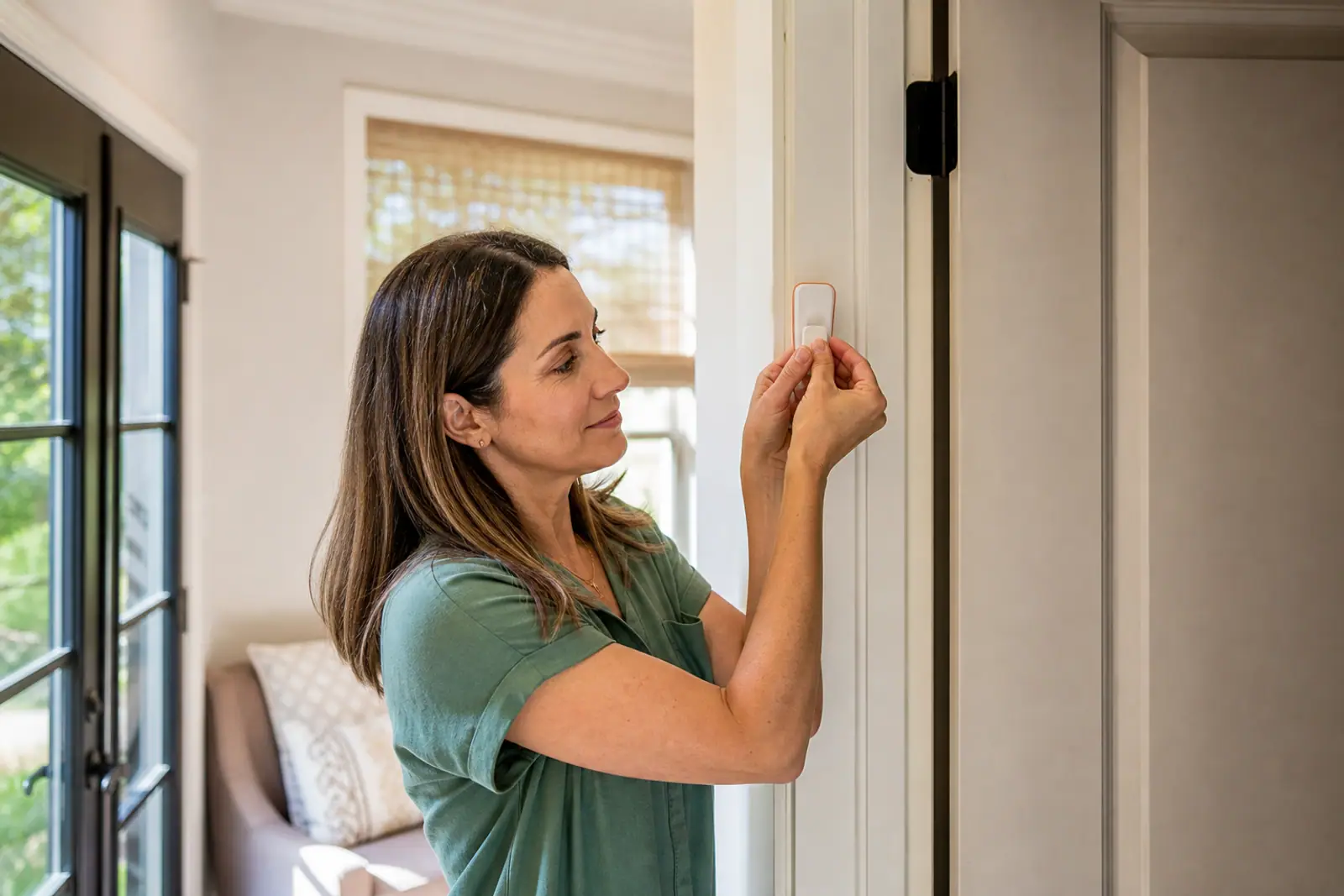
A DIY system arrives as a kit: a hub, entry sensors, a motion sensor or two, and often a camera or video doorbell. You place the sensors, pair them with an app, and test them. Most use adhesive mounts, so there’s no drilling.
Where DIY tends to shine:
- Lower upfront cost. There’s no installation fee, and you buy only the devices you need.
- Flexibility. Many DIY providers let you choose self-monitoring or add professional monitoring month to month.
- Portability. Equipment comes down easily when you move, which suits renters.
- Speed. You can usually be up and running the day the box arrives.
Where DIY can fall short:
- Coverage planning is on you. It’s easy to miss a side door or a ground-floor window.
- Wiring isn’t included. Hardwired cameras, doorbells, or panels may need an electrician.
- Troubleshooting is self-service, often through app support or chat.
How professional installation works
With professional installation, a technician visits, assesses your home, recommends equipment, and installs and tests everything. Professionally installed systems are often paired with professional monitoring, and on many plans that monitoring comes with a multi-year contract.
Where professional installation tends to shine:
- Coverage is planned for you, including placement of sensors, cameras, and the panel.
- Complex installs are handled, such as hardwired cameras, existing alarm wiring, or smart locks.
- Larger homes with many entry points benefit from a walkthrough.
- Less effort for you. Useful if you’d rather not deal with setup at all.
Where it can fall short:
- Higher upfront cost, from installation fees and equipment.
- Contracts are common, and cancelling early can mean paying off the rest. See contracts and cancellation.
- Scheduling. You’ll need to be home for the appointment.
Side by side
| DIY | Professional installation | |
|---|---|---|
| Upfront cost | Usually lower | Usually higher (install + equipment) |
| Setup effort | You install | Technician installs |
| Contract | Often none | Often required with monitoring |
| Monitoring | Self or professional, often month to month | Usually professional |
| Moving | Easy to take with you | Varies; may need a reinstall |
| Best for | Renters, smaller homes, budget-focused | Larger homes, complex wiring, hands-off |
These are general patterns, not rules. Some providers offer professional installation without a long contract, and some DIY providers offer optional installation. Check the terms of the specific plan you’re considering.
Questions to help you decide
- Do you rent or plan to move soon? DIY is usually simpler.
- How many entry points do you have? More doors, windows, and outbuildings make planned coverage more valuable.
- Do you want hardwired cameras or a smart lock? Professional installation may save you an electrician.
- Are you comfortable with a contract? If not, look for month-to-month monitoring.
- How comfortable are you with apps and setup? If the idea of pairing devices sounds stressful, a technician may be worth it.
A middle path
Some households start with a DIY kit and self-monitoring, then add professional monitoring later if they want it. Others pay for a one-time professional installation of a DIY-friendly system. Ask providers whether installation and monitoring can be bought separately.
Before you buy
Whichever route you choose, confirm the total cost over the time you expect to keep the system: equipment, installation, monthly monitoring, and any fees to cancel or move. Also check whether your city requires an alarm permit for monitored systems, and what it charges for false alarms, since rules vary by location.
Common questions
Is professional installation more secure?
Not inherently. Security depends on good placement, reliable connectivity, and someone responding to alerts. A technician can help with placement in a complex home, but a carefully set-up DIY system can cover a typical home well.
Can I switch from DIY to professional monitoring later?
Often, yes. Many DIY systems let you add professional monitoring at any time, sometimes month to month. Check before you buy if you think you might want it later.
What if I’m not comfortable with technology?
That’s a good reason to consider professional installation, or a DIY system with optional installation. Ask whether the provider offers phone support for setup and what happens if a device stops working.
Next steps
- Compare installation options and monitoring terms on our comparison page.
- Work out the full cost with what home security really costs.
- Decide on monitoring with is professional monitoring worth it?
This page is general education, not legal, financial, or insurance advice. Home warranty terms vary by provider, plan, and state; the contract you sign controls what is covered. Spotted an error? Request a correction.